


PuraHome™
Installation Guides
Tap on your filter below and follow the video!
Installation FAQS
How long does installation take?
Just a few minutes! Our system is designed for a quick, tool-free setup—simply follow our step-by-step guide included in your order.
Will it fit my tap?
We provide multiple adapters to fit most faucets. If you run into issues, our support team will help, or we’ll offer you a hassle-free return.
To see what adapters you need, visit our adapters page: here
I'm having trouble removing my sink's aerator!
Most aerators can be twisted off by hand. If yours feels tight, use pliers with a cloth to protect your fixture.
If you need a hand at any stage, our support team is here to help: submit the form below!
Here to Help You Always
We’re real people who care deeply about your health, safety, and peace of mind, reach out anytime.
Join the PuraHome Community
@mypurahome


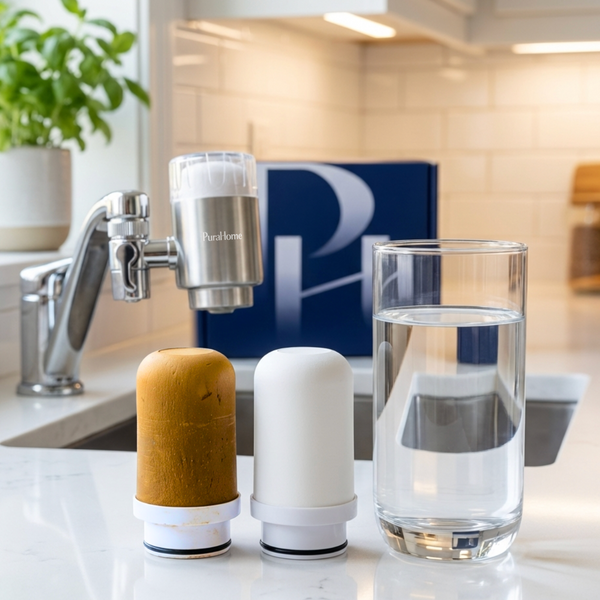


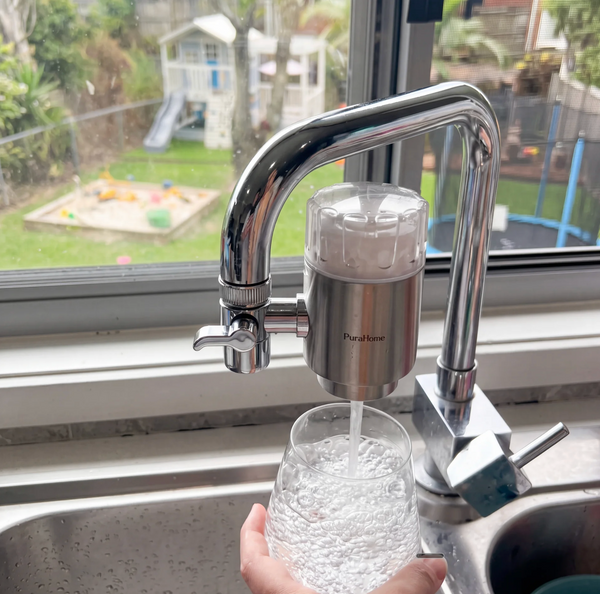





If, for any reason, you are unhappy with your PuraHome product, you can return it for a full refund within 100 days. No questions asked.